See what’s new in Q360 version 21.03
Watch the highlight reel
Watch the full webinar
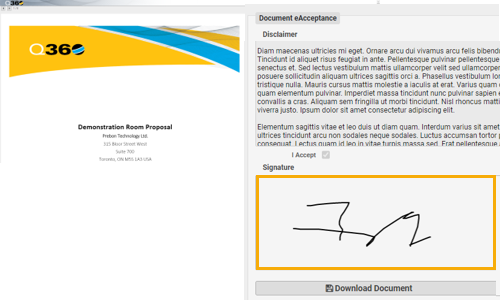
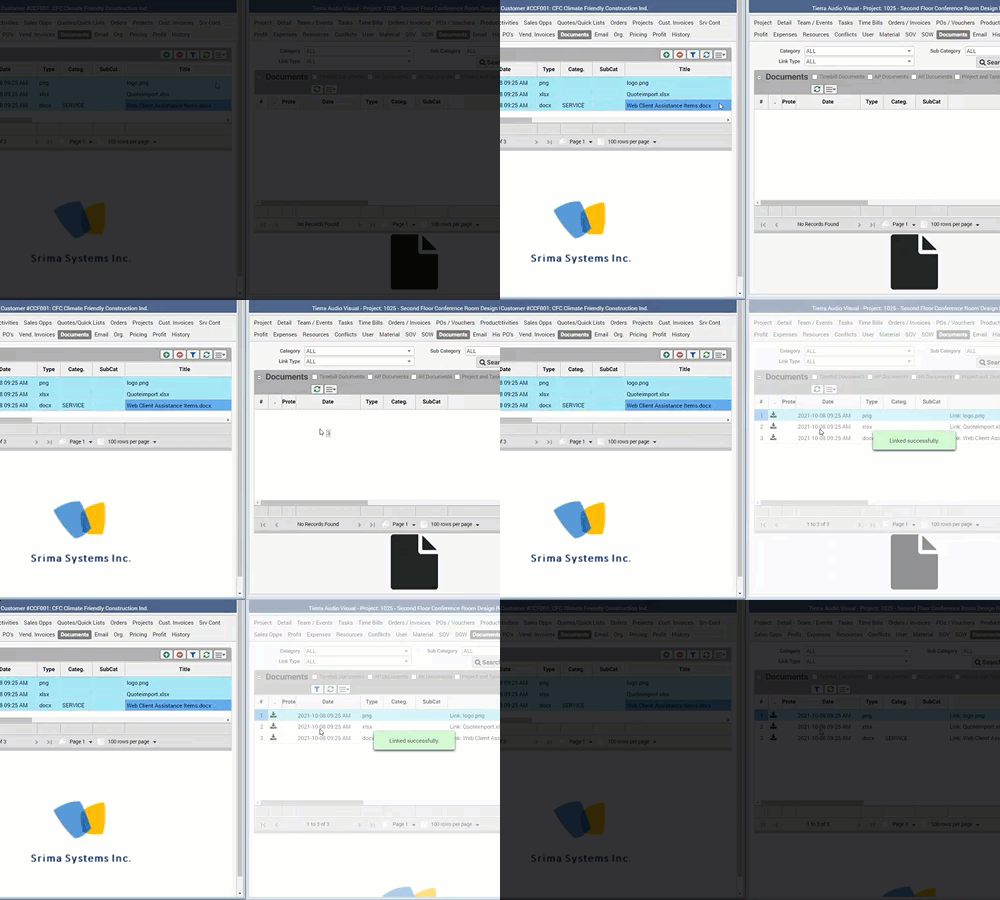
Introducing a secure mechanism to request a digital signature from a Q360 contact via their email address.
Option for a user with appropriate permission to a) request an “eAcceptance” from any document grid and print modal form, b) view document properties attributes relating to eAcceptance stats and history.
For security, the eAcceptance request expires after a set number of (configurable) hours.

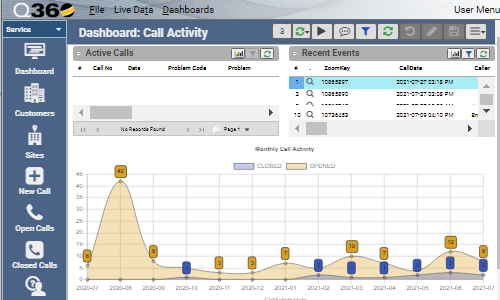
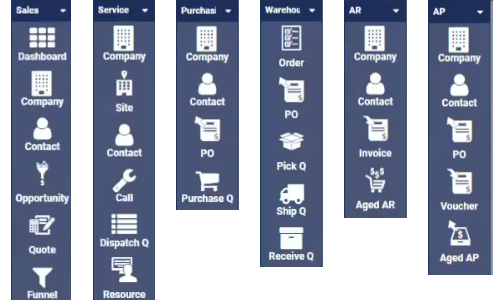
The enhanced customer portal allows external users to login and self serve. The simplified default dashboard and quick launch toolbar items gives users visibility to existing service call tickets, ability to create new calls, and see their invoices based on permission.
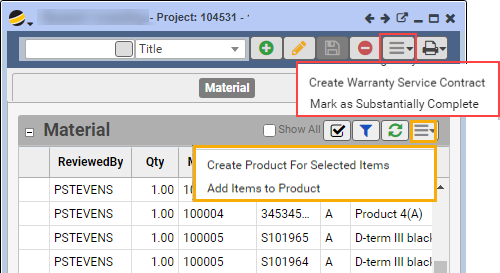
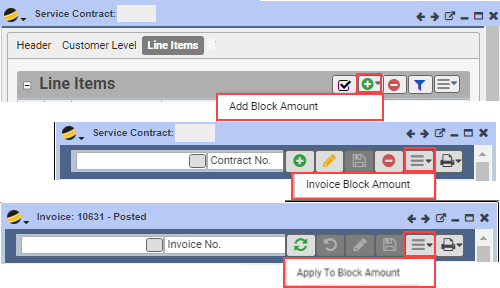
When all or part of project is substantially complete, user can create / update products from the Project > Material tab. Enhanced the “create warranty service contract” option to create a new service contract, or update an existing service contract. New configuration allows for including the warranty amount to be invoiced on the project and subsequently offset from the project when the service contract and its invoice is created.
For more information about Q360 version 21.03, see the release notes.
See previous What’s New v21.02.
See next What’s New v22.01.