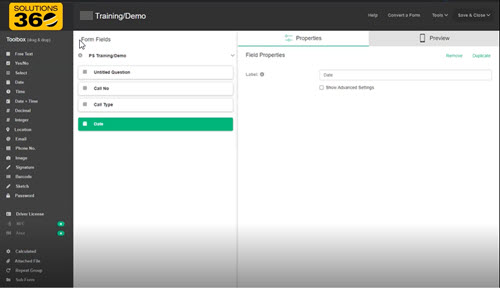
Easily design fillable forms for use by Q360 users -OR-
Select from several pre-designed templates
View submitted field data in Q360
Easily design fillable forms for use by Q360 users -OR-
Select from several pre-designed templates
View submitted field data in Q360
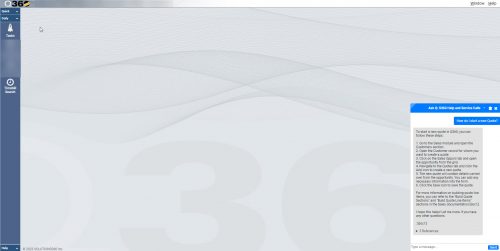
Integrate with Microsoft Azure OpenAI chat
Find additional information using included references
Create multiple chat bots using your data
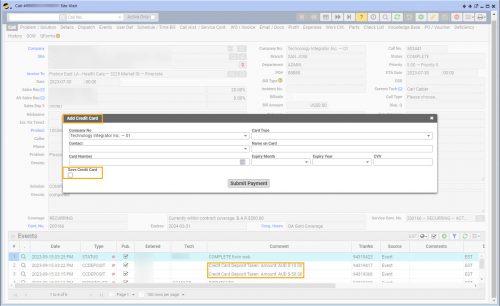
Process credit card deposits, apply credit card payments
Add a new credit card, save a credit card for future use
View credit card deposits on the Live Data Report “Credit Card Deposit SubLedger”
Note: This option is only available with the FLEX license or full USER license
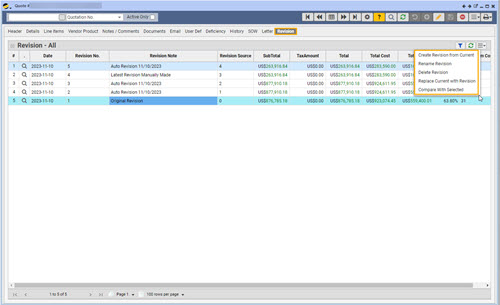
Automatically or manually create quote revisions
Review quote revisions on the Revisions tab
Compare revisions to current quote (side by side view)
Easily revert quote to previous revision if necessary
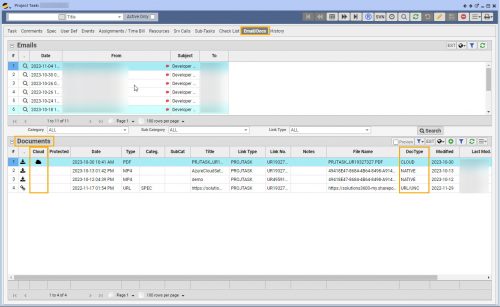
Securely save documents to SharePoint cloud storage
Auto export all Q360 documents (background job)
View or download cloud stored documents on demand