Open Assignments, Tasks, Calls and Opportunities
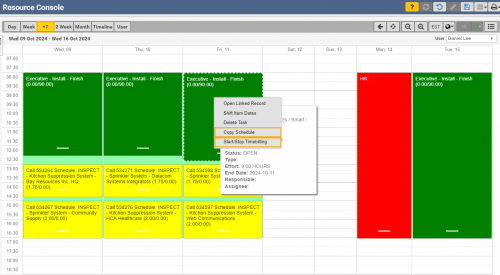
Copy Schedule for Assignments, Dispatch Schedule and Funnel
Look ahead with 7-day View
Start and Stop time bills directly from the Resource Console
Open Assignments, Tasks, Calls and Opportunities
Copy Schedule for Assignments, Dispatch Schedule and Funnel
Look ahead with 7-day View
Start and Stop time bills directly from the Resource Console
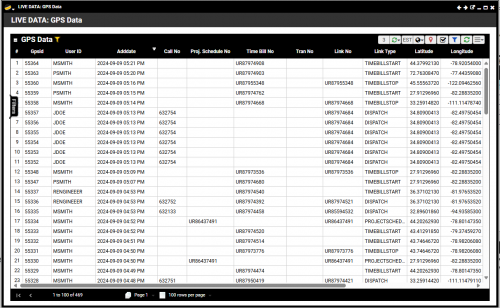
Opt-in option for coordinate tracking upon specific actions such as time billing, activity / event input, saving a task
Viewable GPS Data Live Data Quick View
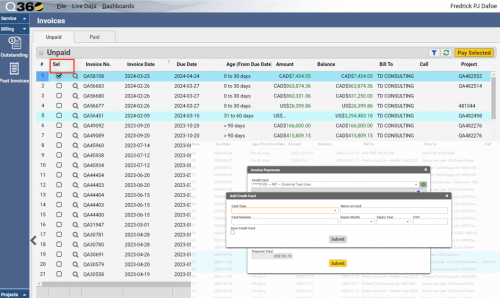
View Invoice grid and pay selected Invoices
Add and save credit cards for future use
Permission dependent
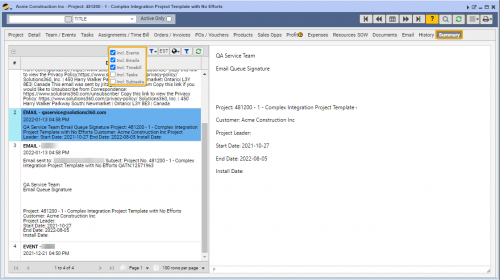
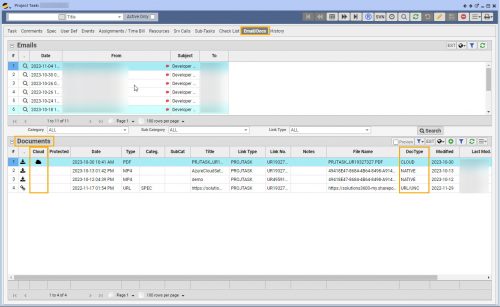
Quickly digest Events, Activities and Emails in one centralized location
Filter grid options to easily locate needed information
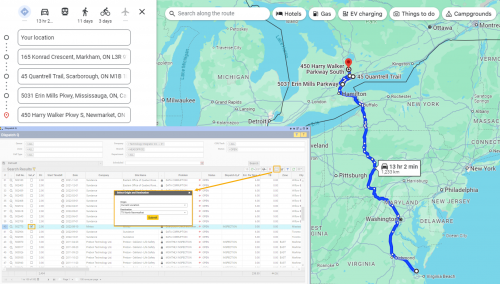
Map out a more efficient Service site route
Include up to 9 sites and waypoints
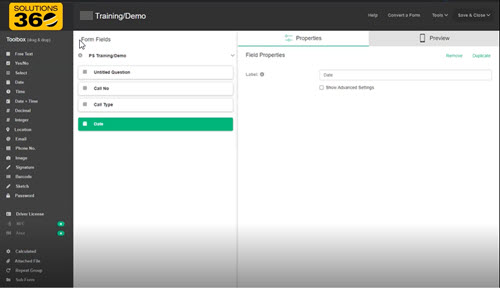
Easily design fillable forms for use by Q360 users -OR-
Select from several pre-designed templates
View submitted field data in Q360
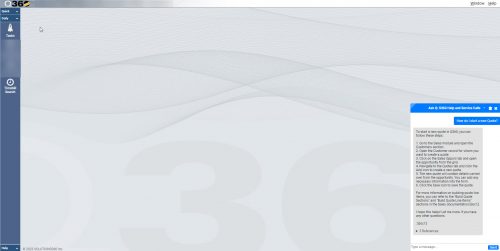
Integrate with Microsoft Azure OpenAI chat
Find additional information using included references
Create multiple chat bots using your data
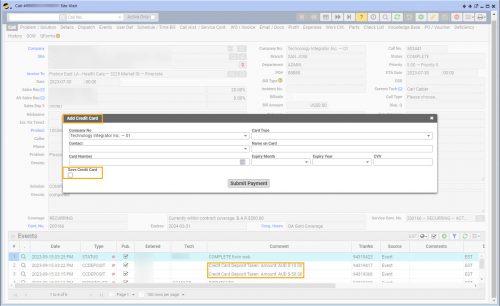
Process credit card deposits, apply credit card payments
Add a new credit card, save a credit card for future use
View credit card deposits on the Live Data Report “Credit Card Deposit SubLedger”
Note: This option is only available with the FLEX license or full USER license
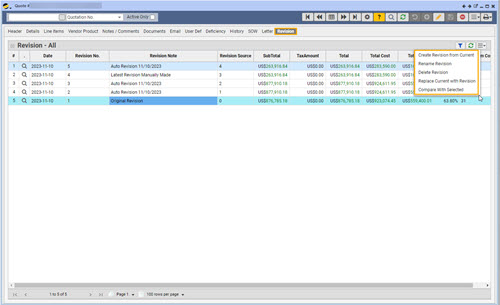
Automatically or manually create quote revisions
Review quote revisions on the Revisions tab
Compare revisions to current quote (side by side view)
Easily revert quote to previous revision if necessary
Securely save documents to SharePoint cloud storage
Auto export all Q360 documents (background job)
View or download cloud stored documents on demand